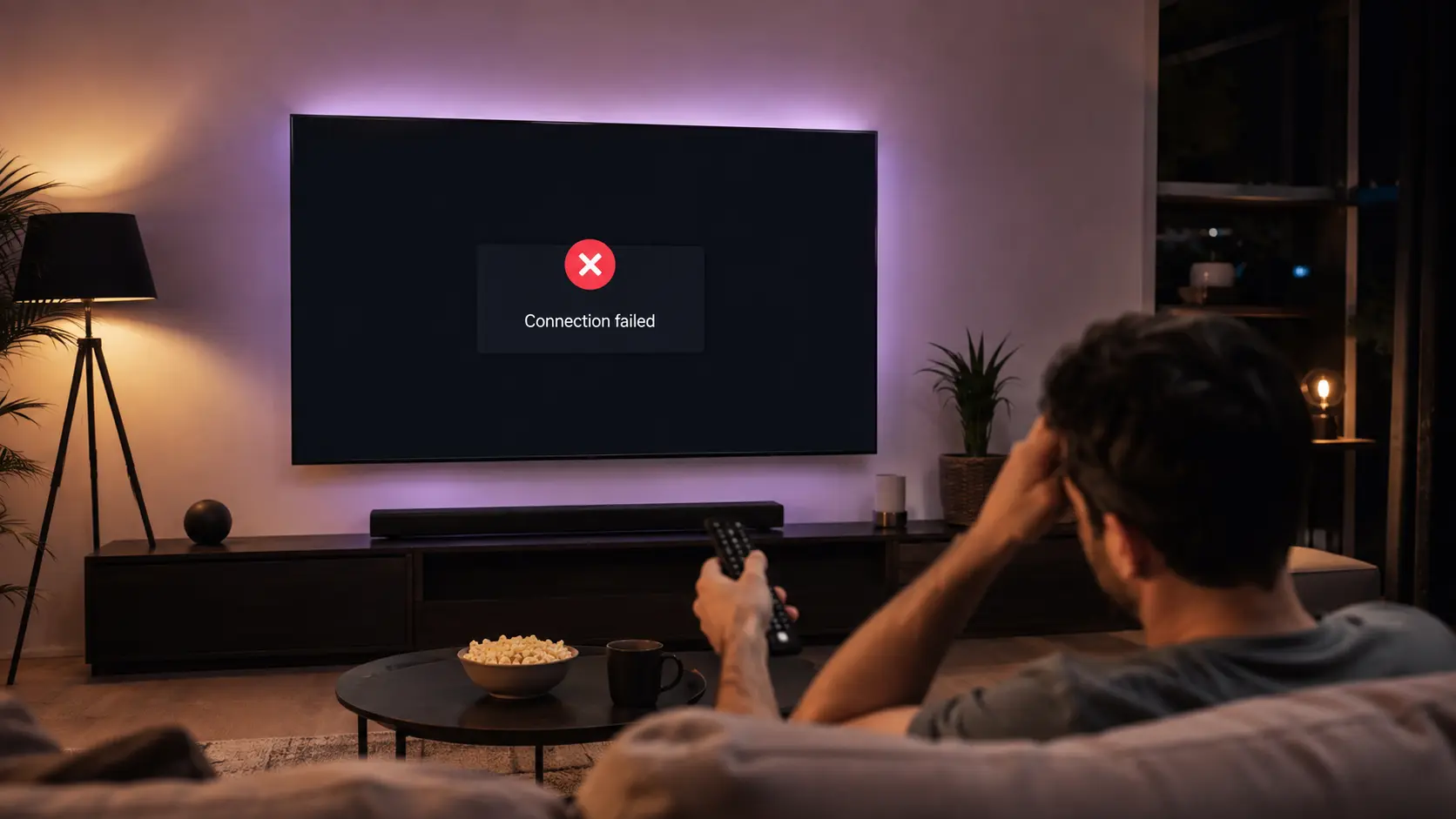
If IPTV Smarters Pro is not working on your device, don't panic — you rarely need to reinstall anything or buy a new subscription. In most cases it's a wrong login detail, an expired plan, an out-of-date app or a network hiccup. This guide explains exactly why IPTV Smarters Pro not working happens and gives you 8 proven fixes, in order, so you can get back to watching in a few minutes.
The steps below work on every device — Firestick, Smart TV, Android TV, Android phone, iPhone, iPad and PC. Start at fix #1 and work your way down until your channels load again. If you've tried everything and it still won't play, we'll show you the one thing that ends the problem for good.
What's in this guide
Why is IPTV Smarters Pro not working?
IPTV Smarters Pro is just a player — it doesn't provide the channels itself; it plays the stream from your subscription. So the IPTV Smarters Pro not working problem usually comes down to one of these six things:
Expired subscription
The most common cause — your plan or free trial has run out, so the login is rejected.
Wrong login details
A single wrong character in your Xtream Codes username, password or URL stops it loading.
Internet issue
No connection, a weak signal or an ISP block will leave you on a black screen.
Outdated app
An old version of IPTV Smarters Pro can crash or fail to connect to newer servers.
Wrong date & time
An incorrect device clock breaks the secure connection and blocks the stream.
Provider server down
If the provider's server is overloaded or offline, no fix on your side will help.
Work through the 8 fixes below in order — they're sorted from the most to the least common reason for IPTV Smarters Pro not working.
8 fixes for IPTV Smarters Pro not working
Check your subscription is still active
An expired plan is the #1 reason IPTV Smarters Pro stops working. If you see "account expired" or a rejected login, message us on WhatsApp to confirm or renew — it's usually back within minutes.
Re-enter your login details carefully
Delete the profile and re-add your Xtream Codes username, password and server URL exactly as we sent them — no extra spaces, correct http/https and port. One wrong character is enough to break it.
Check your internet connection
Open any other app or website to confirm you're online. If not, restart your router, then reconnect the device to a strong 5GHz Wi-Fi or Ethernet.
Update IPTV Smarters Pro
An outdated app is a common cause of crashing and connection errors. Update to the latest version from your app store (Google Play, App Store or the Amazon Appstore) and reopen it.
Clear the app cache & data
Go to Settings → Apps → IPTV Smarters Pro → Storage → Clear cache (and Clear data if needed). This removes corrupted files that stop channels loading. You'll re-enter your login after clearing data.
Fix your device date & time
Set the clock to automatic / network time. A wrong date breaks the secure handshake and is a sneaky reason IPTV Smarters Pro is not working, especially on Firestick and Smart TVs.
Change the player or try a VPN
If some channels won't play, switch the decoder to Hardware / ExoPlayer / VLC in the settings. If your ISP is blocking IPTV, a VPN gets it working again.
Reinstall the app
Still stuck? Uninstall IPTV Smarters Pro, restart the device, then reinstall it fresh and re-add your login. This clears any deeper glitch.
Common IPTV Smarters Pro error messages explained
Most IPTV Smarters Pro not working errors show one of the messages below. Here's what each one means and the quickest fix:
| Error message | What it means & how to fix it |
|---|---|
| Invalid credentials / wrong username or password | Login typed wrong or plan expired. Re-enter the Xtream Codes exactly, or renew the subscription. |
| No channels / empty categories | Clear the app cache, then reload. If still empty, the provider server is updating — try again shortly. |
| Connection timeout / can't connect | Internet or wrong server URL. Check your connection and confirm the http/https and port are correct. |
| This account has expired | Your subscription has ended. Renew on WhatsApp and it reactivates fast. |
| App keeps crashing / won't open | Update the app, clear cache, then reinstall. Make sure the device software is up to date too. |
Still not working? The problem is your provider
If your internet is fine, your login is correct and the app is up to date but IPTV Smarters Pro still won't play smoothly, the IPTV Smarters Pro not working problem points to the provider's servers, not your device. Cheap or overloaded services go down, drop channels and freeze at peak times no matter what you do on your device.
IPTV Smarters Pro runs on Anti-Freezing™ load-balanced servers built for peak-time streaming in Australia, so your channels stay up when other services fail. You get 65,000+ live channels and 120,000+ movies in 4K, instant activation and 24/7 support to fix any issue fast.
Fix IPTV Smarters Pro by device
If IPTV Smarters Pro not working still persists after a reinstall, use the exact setup guide for your device below:
✅ Key takeaways
- To fix IPTV Smarters Pro not working, first confirm your subscription is active.
- Re-enter your Xtream Codes login exactly — one wrong character breaks it.
- Update the app, clear the cache and set the device date & time to automatic.
- If only some channels fail or it breaks at peak time, it's the provider — switch to IPTV Smarters Pro with Anti-Freezing™ servers.
Get it working in minutes
Switch to IPTV Smarters Pro — Anti-Freezing™ servers, 65,000+ channels in 4K, instant activation and a 7-day money-back guarantee.
💬 Get Started on WhatsAppFrequently asked questions
Why is IPTV Smarters Pro not working all of a sudden?
The most common reasons are an expired subscription, a wrong login detail, an outdated app or an internet drop. Confirm your plan is active, re-enter your Xtream Codes login exactly, update the app and check your connection.
Why does IPTV Smarters Pro show a black screen?
A black screen usually means the stream can't load — check your internet, set the device date and time to automatic, clear the app cache, and confirm your subscription hasn't expired.
Why does it say invalid credentials?
Either the Xtream Codes username, password, URL or port was typed incorrectly, or your subscription has expired. Re-enter the details exactly as provided, or renew your plan on WhatsApp.
Why does IPTV Smarters Pro keep crashing?
Crashing is usually an outdated app or corrupted cache. Update IPTV Smarters Pro to the latest version, clear its cache and data, and reinstall it if it still won't open.
IPTV Smarters Pro is not working on my Firestick — what do I do?
Set the Firestick date and time to automatic, connect to 5GHz Wi-Fi, clear the app cache, update the app and re-enter your login. See our Firestick setup guide for the full steps.
Only some channels don't work — why?
If most channels play but a few don't, the problem is the provider's server for those channels, not your device. Try again later or contact support to be moved to a faster server.